Open archives as if they were folders
Extract, compress, modify. Forget that you’re dealing with archives.
For macOS 26 or later, on Macs with Apple silicon.
- Open
Explore the contents without leaving the folder
ZIP and 7z archives open right there, in the list. Open files, see previews, copy items in and out, with several archives expanded at the same time. - Compress
Choose how each archive is created
Use the Auto profile, define your own compression profile, or create each archive with different settings.
What else Zforge does
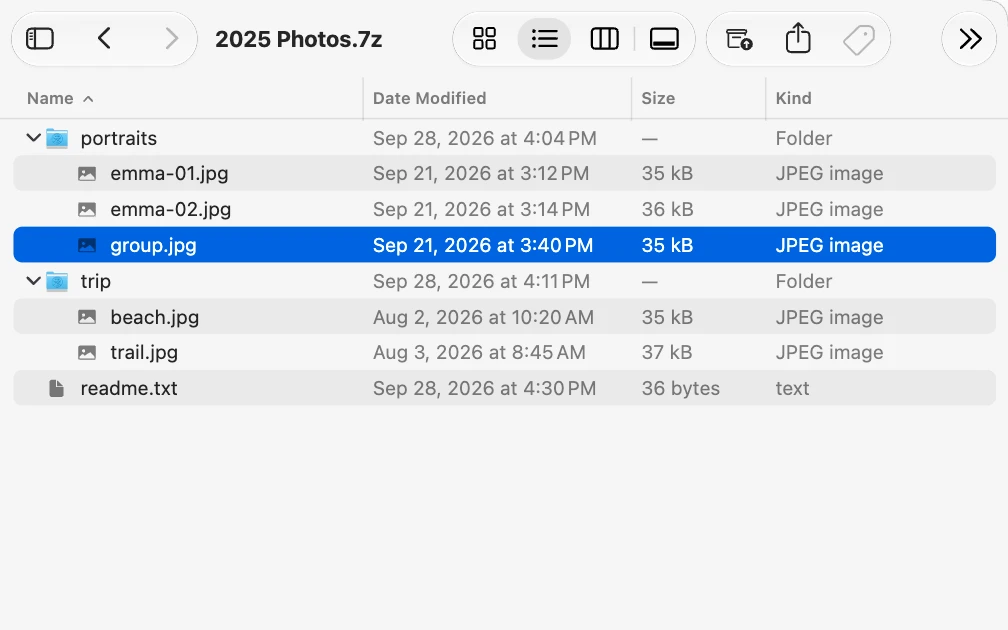
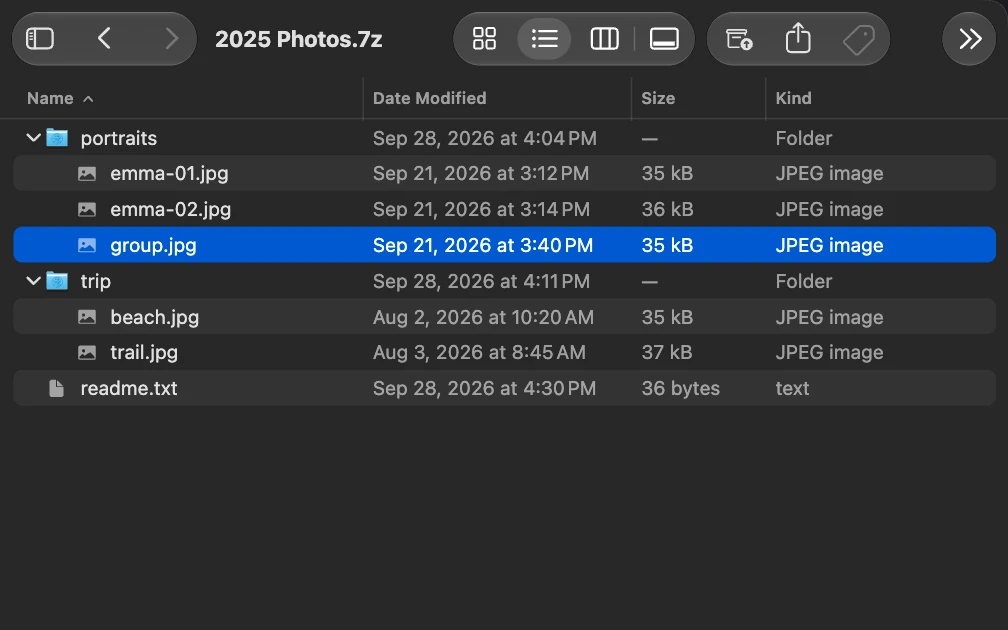
Editing without extracting
Add, remove and reorganize files inside a ZIP or 7z. Zforge updates the archive for you.
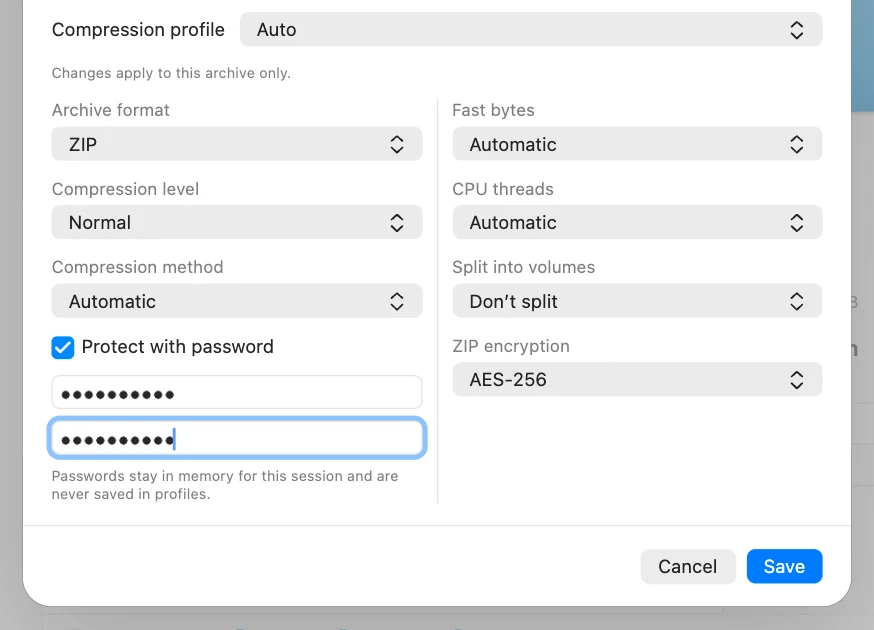
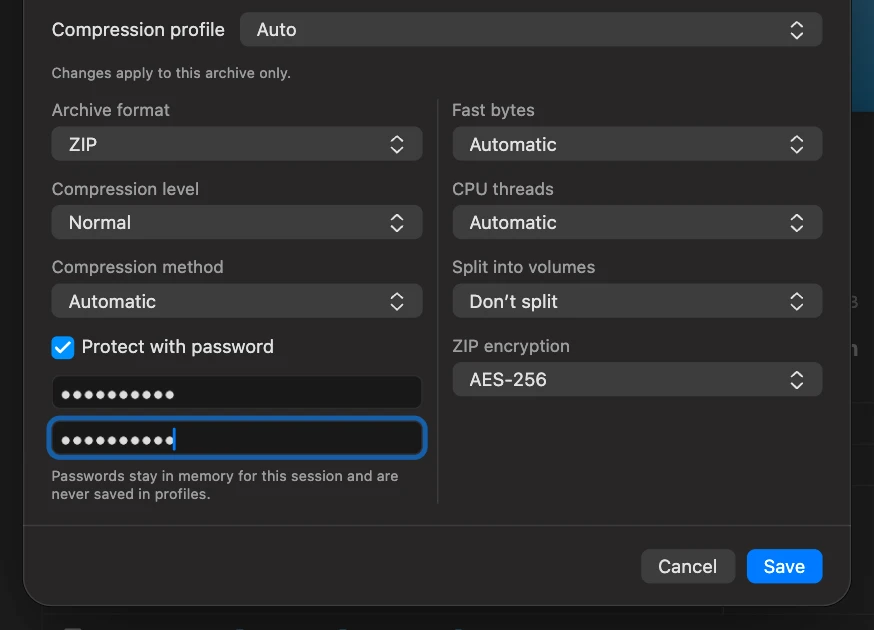
Password protection
Create password-protected ZIP or 7z archives and open the ones that are already protected.
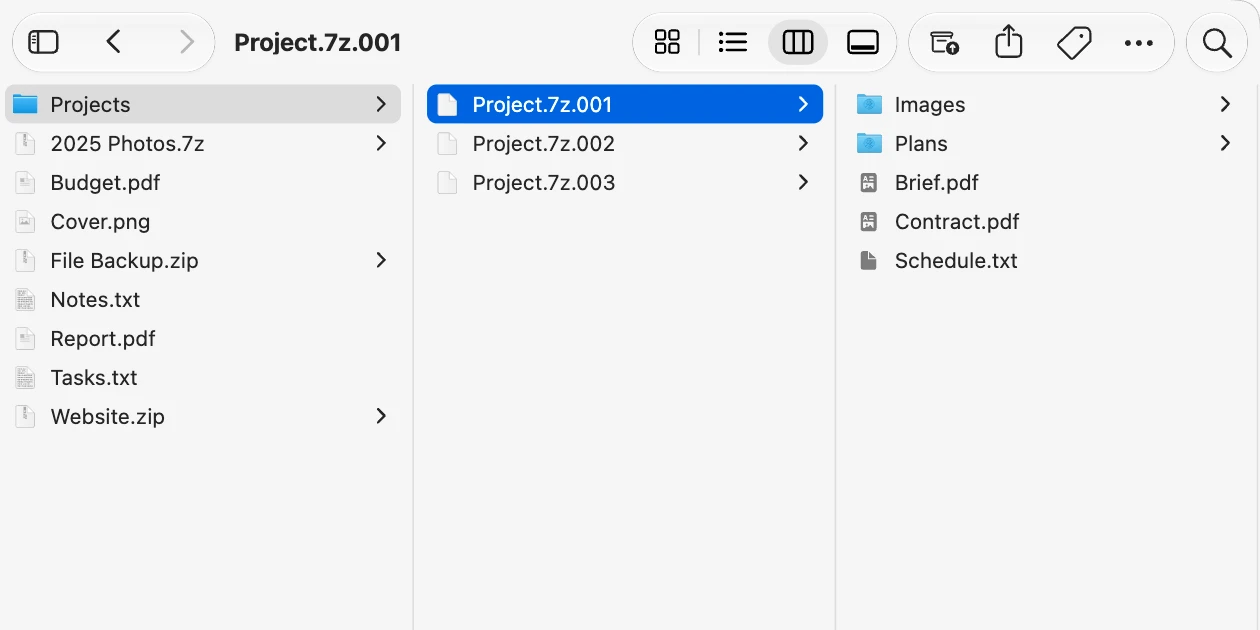
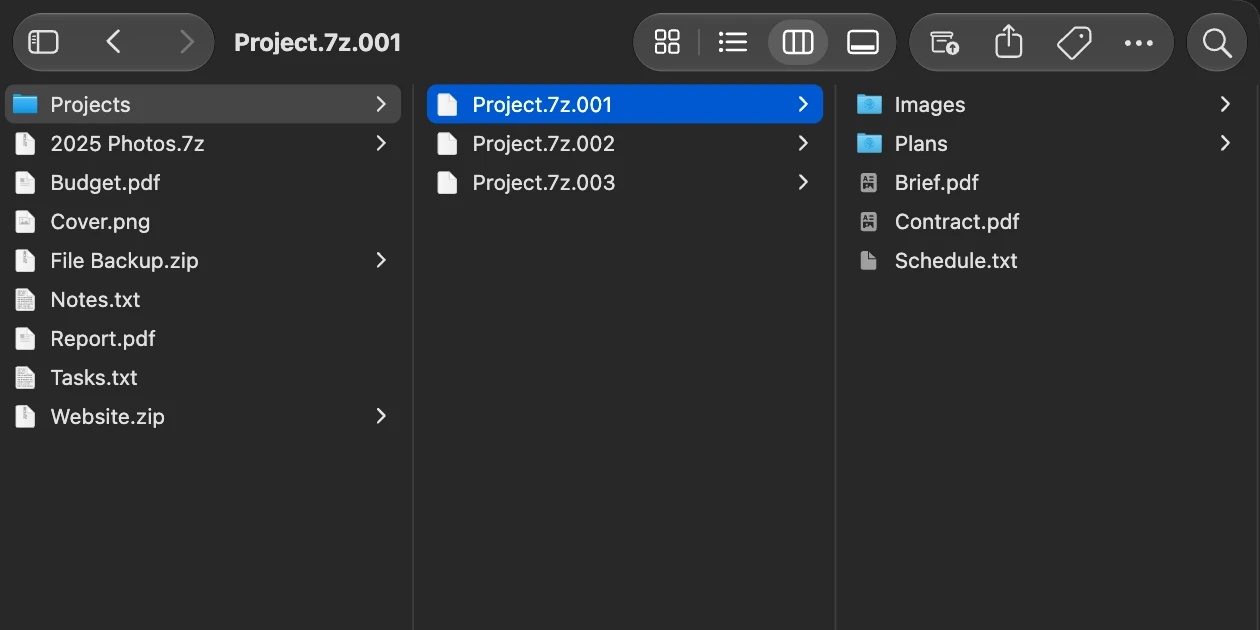
Archives split into volumes
An archive split into several parts opens as a single archive.
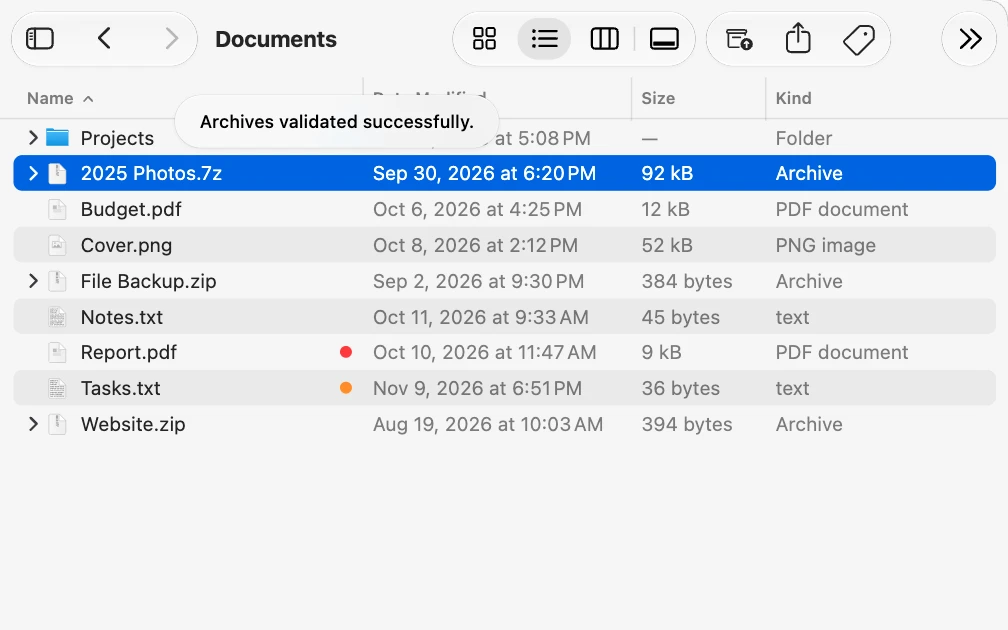
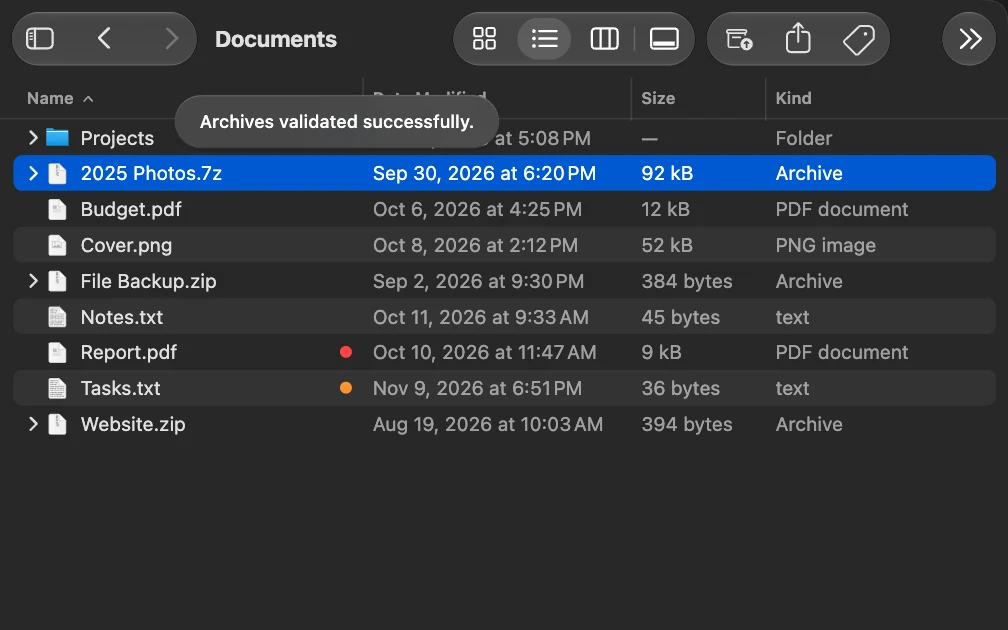
Integrity test
Check that an archive is intact, without extracting it.
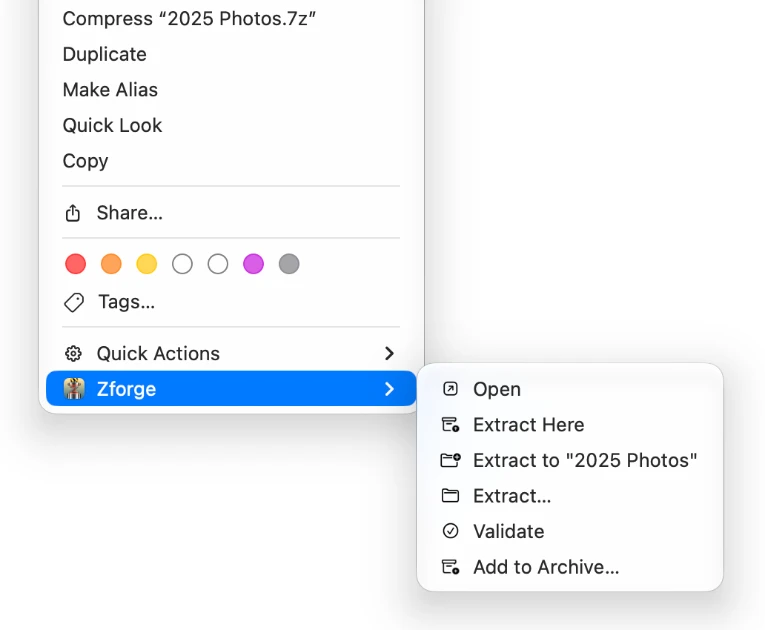
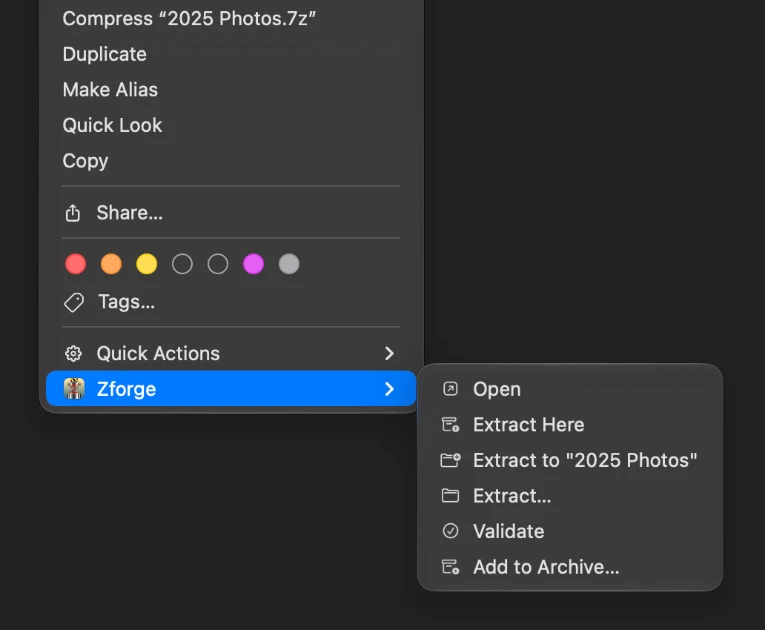
Finder menu
The extract and compress actions also appear when you right-click in Finder.
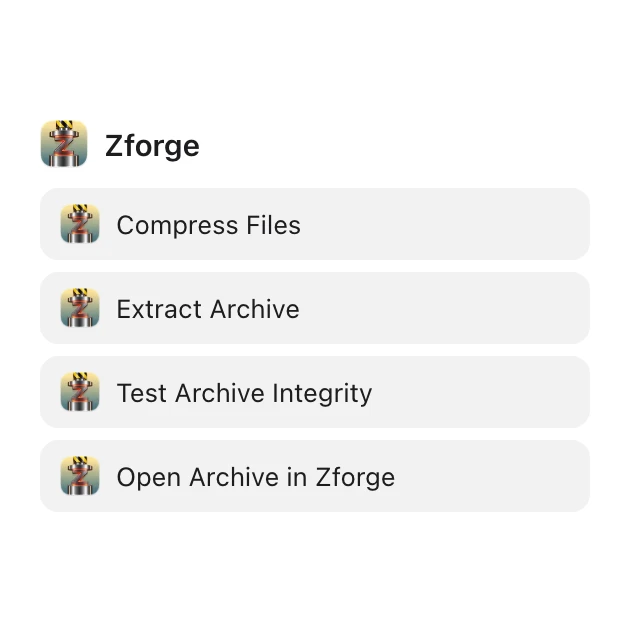
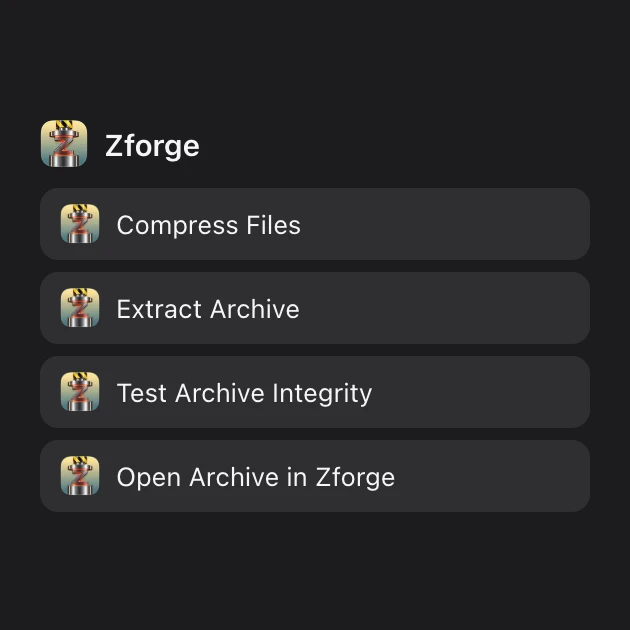
Actions for Shortcuts
Compress, extract, test and open archives in your shortcuts.
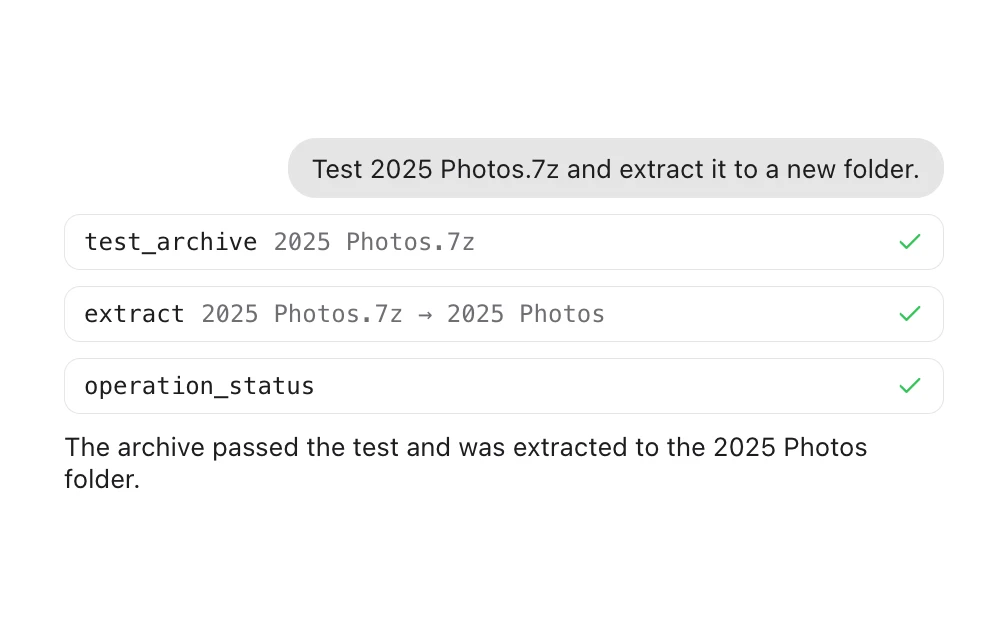
AI agents
Through the MCP protocol, an AI agent creates, extracts and tests archives, only in the folders you authorize.
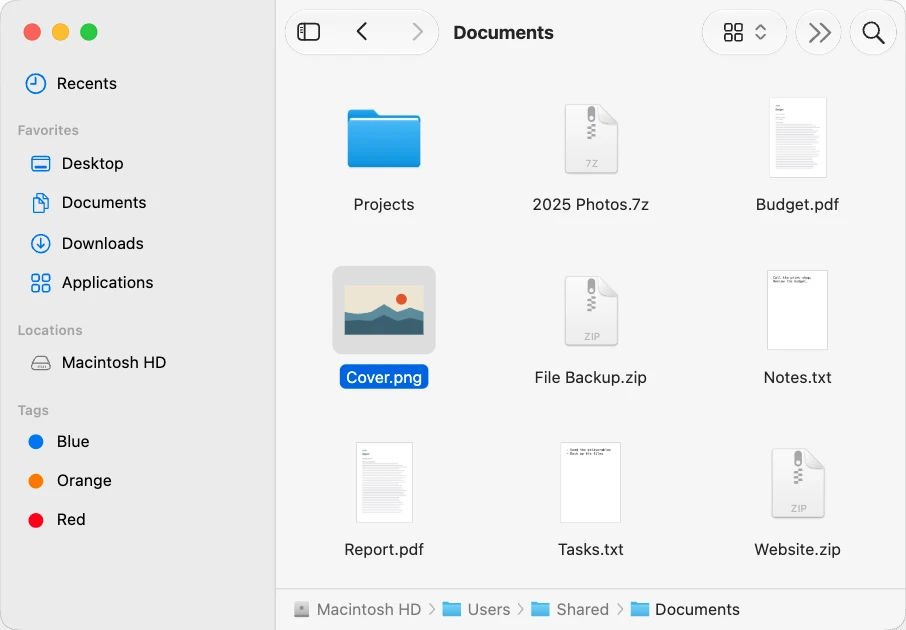
Full file manager
Zforge also copies, moves, renames and organizes files and folders, with tabs, tags and Quick Look.
Opens RAR, 7z, ZIP and other formats
| Format | Open | Create | Change in place | Password when creating |
|---|---|---|---|---|
| 7z | Yes | Yes | Yes, single volume onlysingle volume | Yes, when creating |
| ZIP | Yes | Yes | Yes, single volume onlysingle volume | Yes, when creating |
| RAR | Yes | No | No | No |
| TAR | Yes.tgz, .tbz, .txz, .tzst | Yes | No | No |
| GZIP, BZIP2, XZ | Yes | Yesseveral items go into a TAR | No | No |
| WIM | Yes | Yes | No | No |
| CAB, ISO, ZST, LZMA, ARJ, LZH, CPIO, XAR | Yes | No | No | No |
Native. Modern. Fast. Open.
- Swift and SwiftUI
- Written in Swift, with the interface in SwiftUI.
- 7-Zip engine
- The formats come from the 7-Zip[1] (7-zip.org (opens in a new tab)) engine, built into the app.
- Shortcuts and MCP
- The Shortcuts actions use App Intents, and AI agents talk to Zforge through an MCP server.
- MIT License
- Zforge’s code is distributed under the MIT License.

Download